


1688 APK
- Version
- 12.2.0.0
- Size
- 64.6 MB
- Category
- Shopping
Screenshots
What's new
Version 12.2.0.0 is the newest build on APKBlade, updated 12 May 2026.
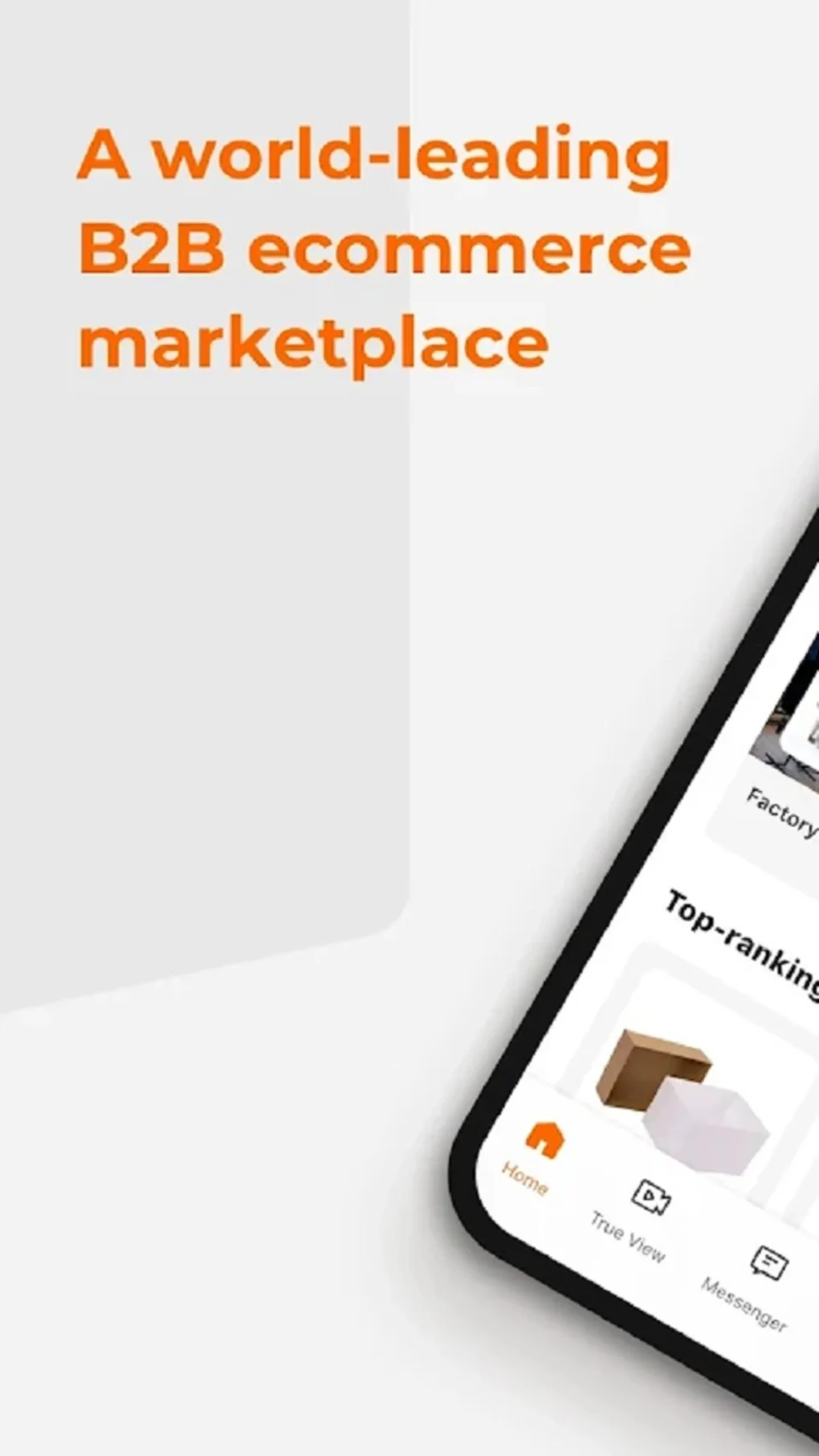
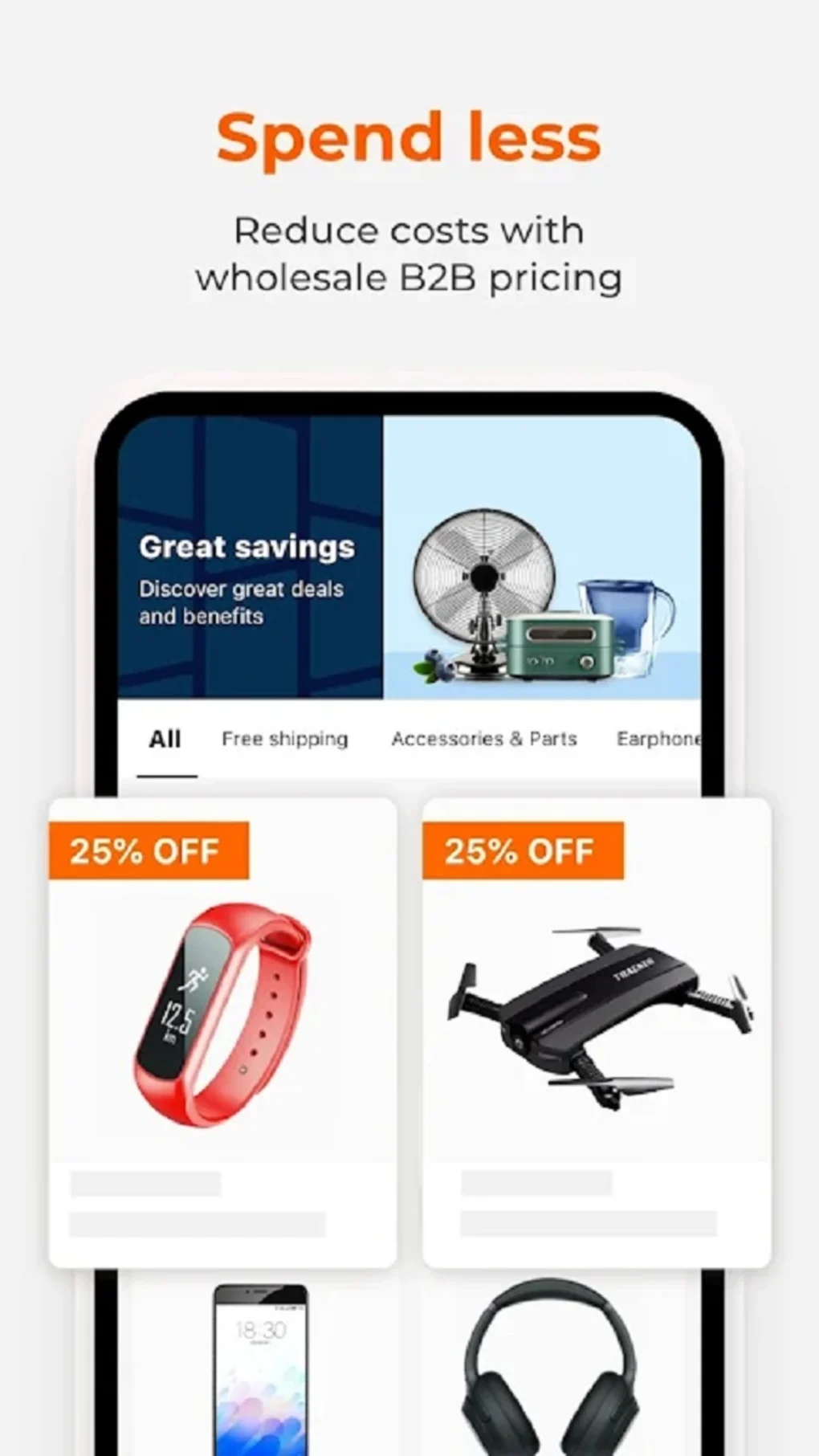
The 1688 app makes wholesale shopping easy and safe for Android users.
Online shopping is growing. The 1688 app helps you buy products wholesale from suppliers around the world. It’s a valuable tool for drop shippers, suppliers, and others interested in bulk purchasing. Read on to understand why you should download this app for your Android device.

What is the 1688 App?
The 1688 app connects millions of buyers and sellers on a huge wholesale marketplace owned by Alibaba Group. Many low-priced products, like electronics, clothes, home goods, and machinery. It gives you direct access to manufacturers and suppliers in China.
Why Use the 1688 App?
- Huge product selection at competitive wholesale prices.
- Buy directly from manufacturers and suppliers.
- Order in bulk quantities to save money.
- The 1688 app is mainly in Chinese but also offers other language versions. So more people can use it.
How to Download the 1688 APK for Android
Getting the 1688 APK is easy. It just takes a few minutes. Here’s how to do it:
- Get your Android device ready first. Go to ‘Settings’ > ‘Security’ and turn on ‘Unknown Sources’. This lets you install apps from outside the Play Store.
- You don’t need to go anywhere else. Just click the download button at the top of this post to get the APK file.
- Once downloaded, open the APK and follow the steps to install the app on your device.
- After installing, open 1688. Sign up or log in. Now, you can start shopping from wholesalers!
Features of the 1688 App
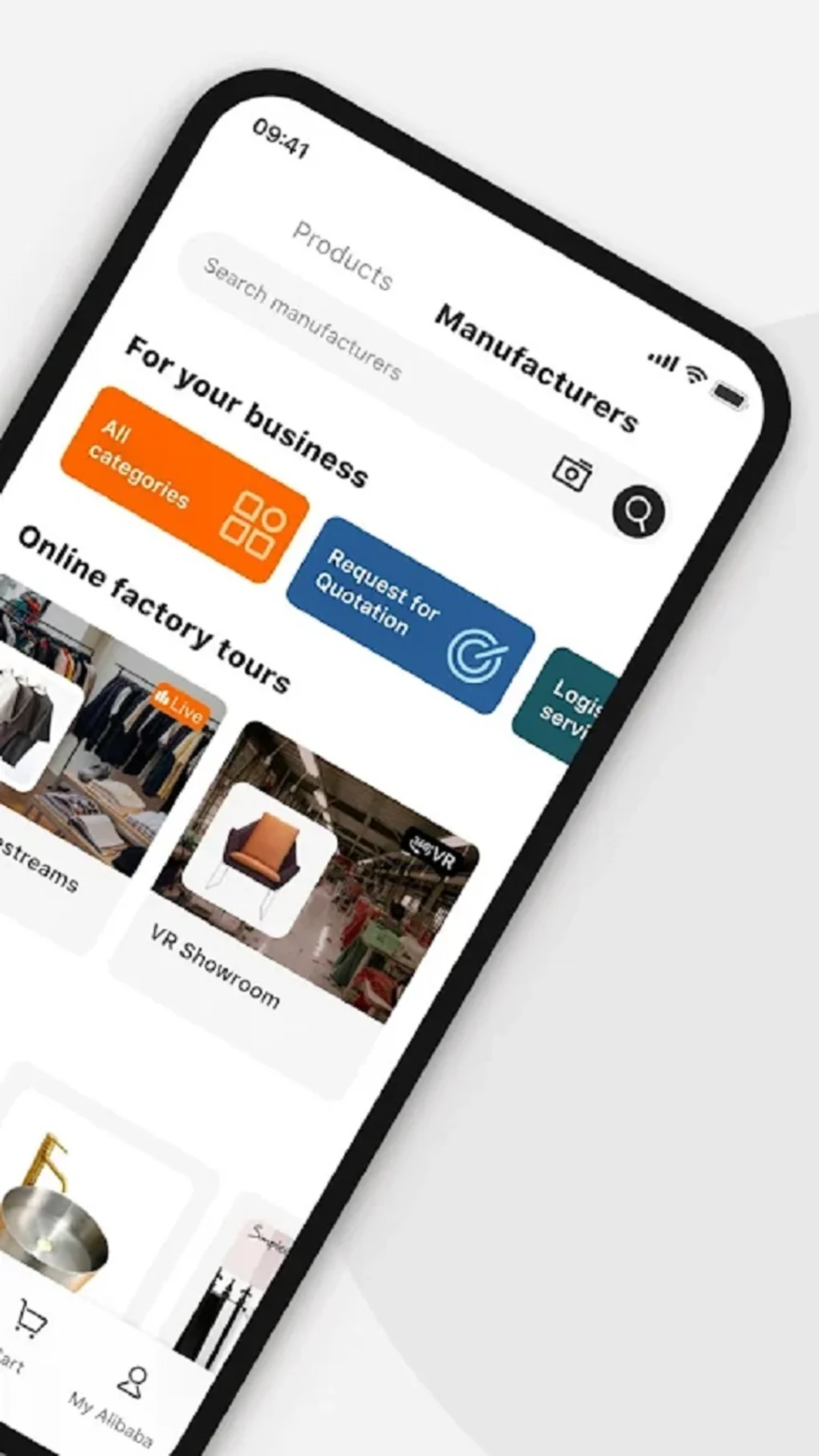
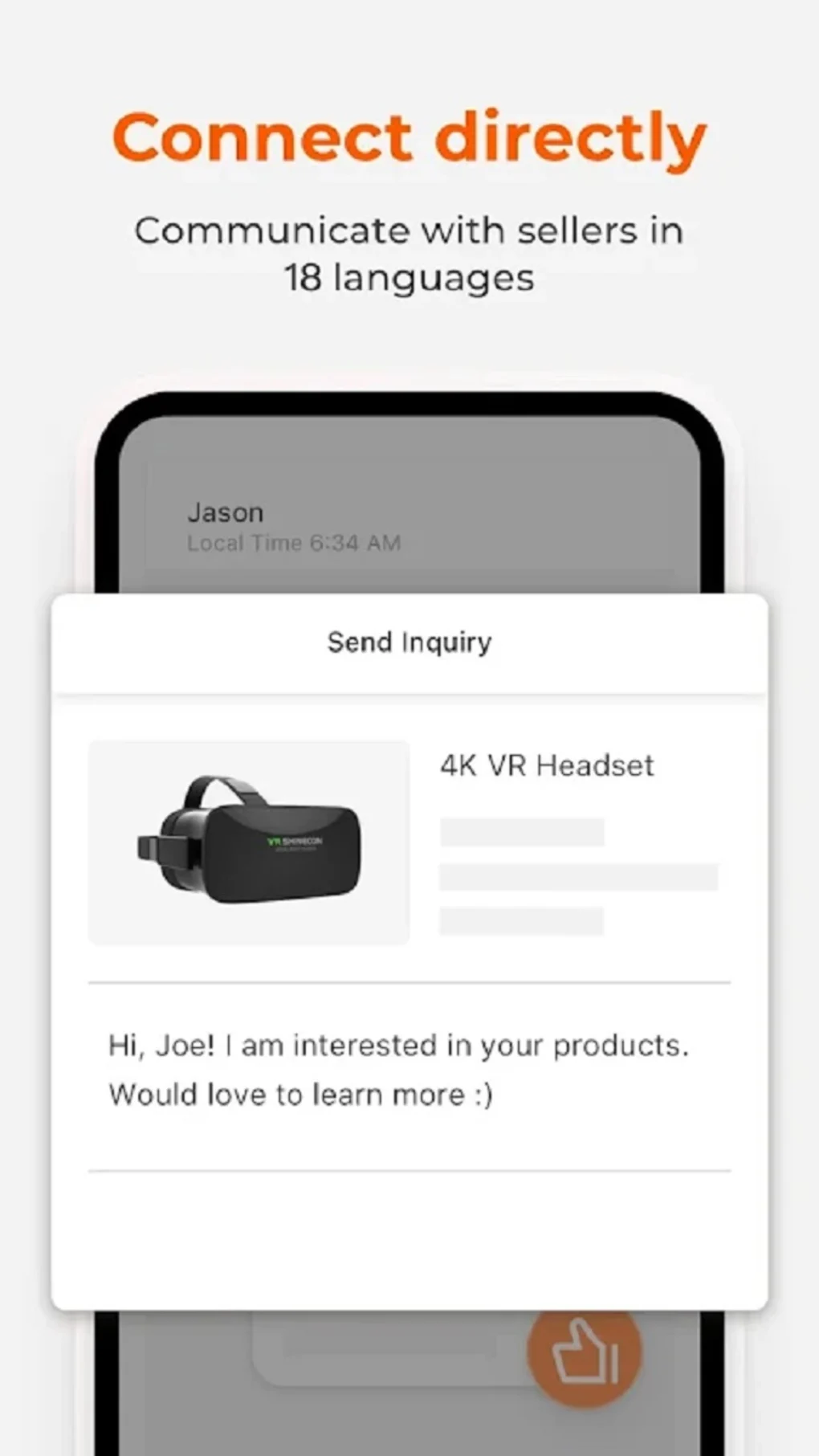
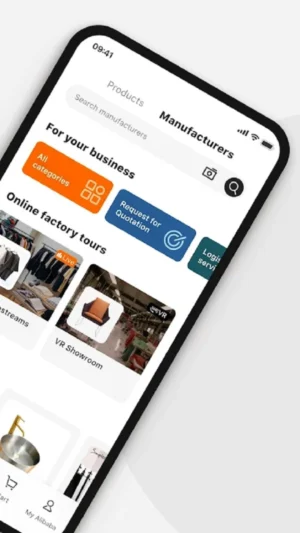
The app has a simple, easy-to-use layout. You can quickly find products using the powerful search and filters. Contact suppliers right on the app to ask questions or discuss terms. Also, manage your orders efficiently in the app.
Tips for Using the 1688 App
- Translation tools can help you if you don’t know Chinese. Use the app’s translation features or a different translation app to communicate better.
- Research suppliers before ordering to ensure they are trustworthy. Look for positive feedback from other buyers.
- Be aware of shipping costs and customs duties you may need to pay for your order.
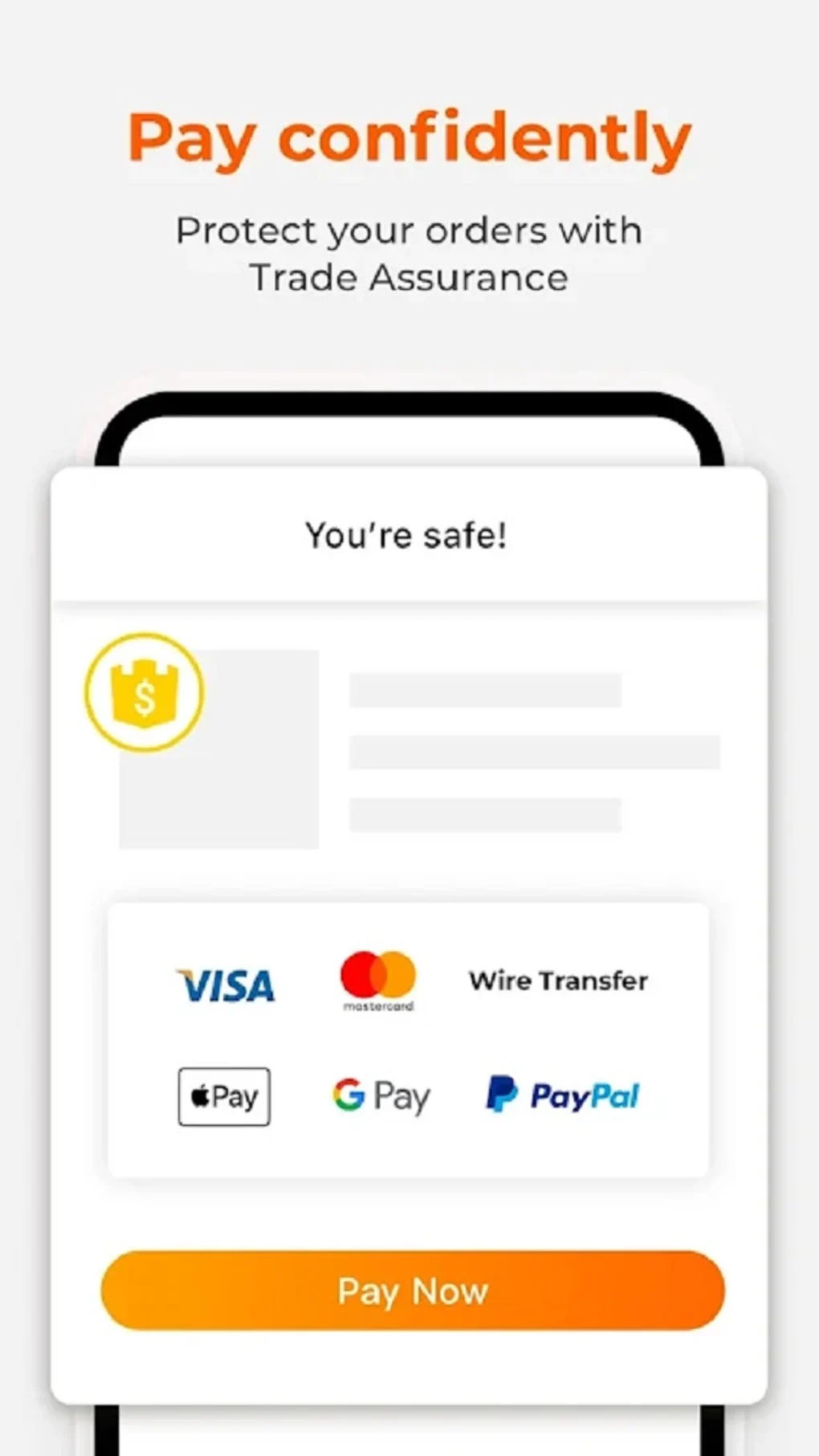
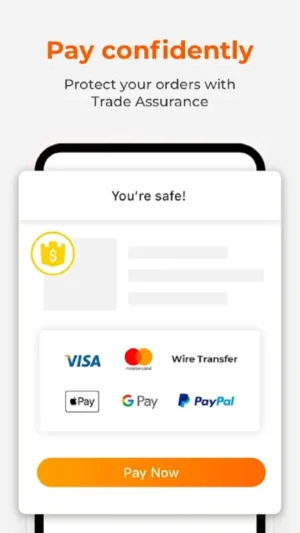
- Use secure payment methods. Understand the app’s policies on payments and refunds.
Advantages of the 1688 APK
- Downloading the APK gives you the latest version with all new features and updates.
- You can download and install APK files from the download button at the top, even if the app is restricted in your region.
- Having the APK file lets you reinstall the app without downloading it again. This saves time and data.
Conclusion
The 1688 app is a great tool for those interested in wholesale shopping. It offers a massive range of products. You can access manufacturers directly. The app has user-friendly features, too.
It’s no surprise that drop shippers and suppliers like using this app. By following the simple steps above, you can download the 1688 APK. Then, you can start exploring the many chances for buying in bulk. Happy shopping!
More About 1688
| Name | 1688 |
|---|---|
| Package Name | com.alibaba.wireless |
| Category | Shopping |
| Version | 12.2.0.0 |
| Size | 64.6 MB |
| Last Updated | 12 May 2026 |
How to Install 1688
- Tap the download button and let the file finish.
- Open the file from your notifications or the Downloads folder.
- If Android asks, allow your browser to install unknown apps.
- Tap Install, then open the app.
FAQ'S
How to install 1688 on android phone?
Once you've downloaded the APK file, click on the downloaded file, then hit the "Install" button.
I am getting Play Protect warning while installing!
Some mod APK files might get a warning. You can ignore this warning and install the APK file. Follow these simple steps to turn off Play Protect: Open Google Play app > Click Profile Icon > Select Play Protect -> Setting > Turn off both "Scan apps with Play Protect" and "Improve harmful app detection" options.
How to update APK without losing the data?
To update APK without losing the data, you don't need to follow anything extra. Click on the downloaded APK file and click the "Install" button. The app will update automatically without loss of data.
How to fix problems while installing/opening?
Make sure you have downloaded the file correctly. The downloaded file extension must end with .apk file. If you face any package install error, redownloading the file may fix the issue.


















Ratings and reviews
There are no reviews yet. Be the first one to write one.